Step 1 – Open Spraybook reports
Open the Spraybook module in Agromanager. Then click Reports in the blue menu on the left. Via this item, you will see a collection of reports. Here, choose the report "Spraybook: Financial Stock".
Step 2 - Fill in the details
Select the location for which you want to generate the report and click the Generate report button.
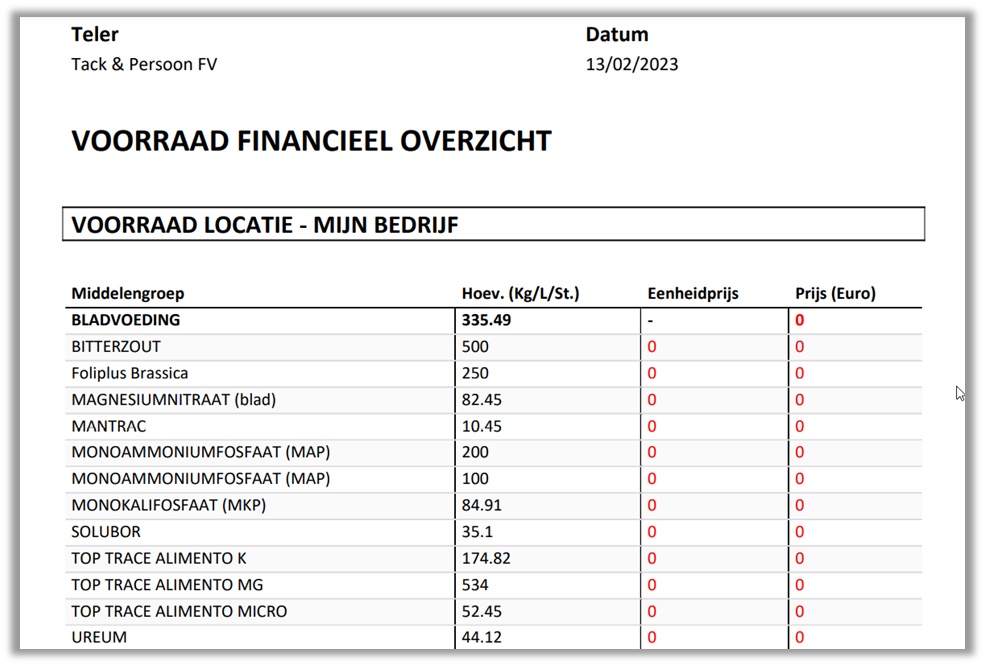
A PDF will be generated that gives you an overview of your products with the total quantity, unit price, and total cost.